Weldia Designer
I want to keep my own documents
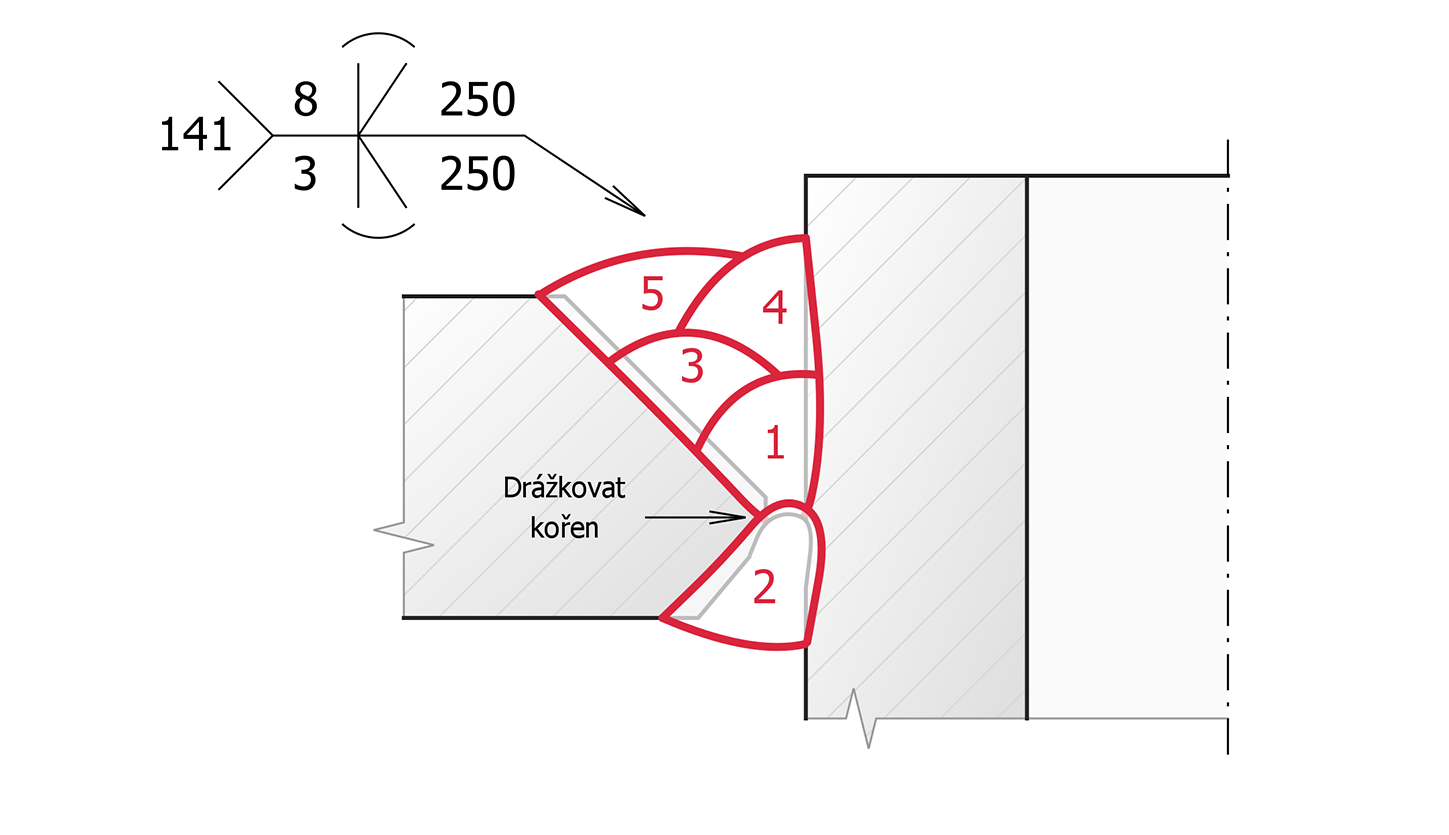
You need better and faster drawings and the PNG for a WPS, work instruction or test report you keep in Word, Excel or another system.
Products and solutions
Designer is for drawings. Weldia WPS is for the documents and contains Designer. For the same user the licences do not add up.
01 Your needs
Start from the task, not from a product name.
The drawing must be readable, editable and usable in your own document.
DesignerWriting, finding and reusing documents, with a check against the entered WPQR ranges.
WPSA company account, a shared library and licences that are easy to assign.
Buying for a team02 Products
Weldia Designer
You need better and faster drawings and the PNG for a WPS, work instruction or test report you keep in Word, Excel or another system.
Weldia WPS
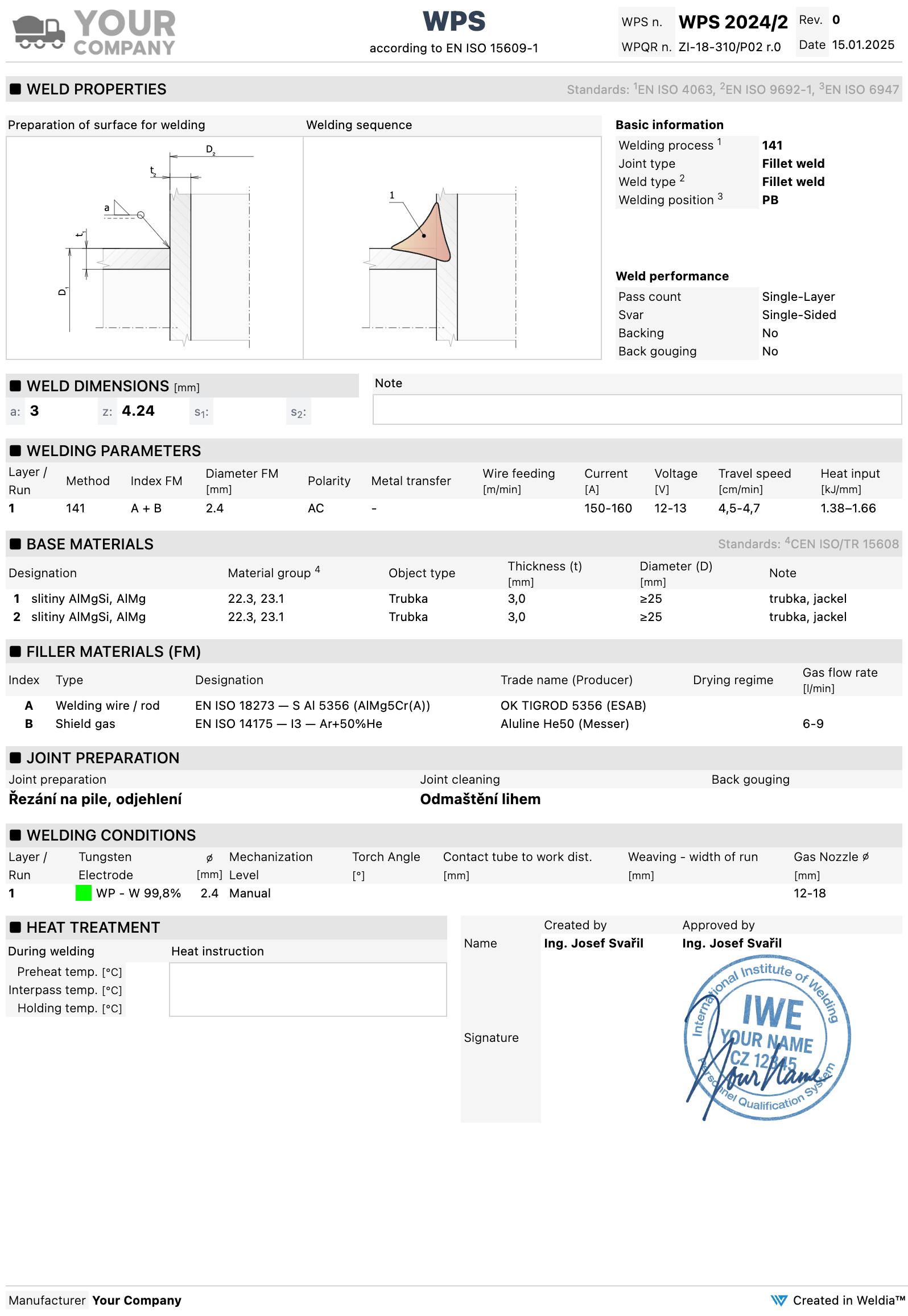
You need the editors, the library of documents and the check against WPQR ranges. Designer is part of it.
Designer draws ISO 2553 and AWS A2.4 symbols. Weldia WPS supports ISO documentation only, for now.
03 Comparison
A WPS licence covers Designer for the same user, so nobody pays for drawing twice.
| What you need | Designer PRO Weld joint drawings | WPS PRO WPS and WPQR documents, Designer included |
|---|---|---|
| Drawing and a library of drawings | Yes, Designer is included | |
| PNG for your own documents | ||
| ISO 2553 and AWS A2.4 weld symbols | ||
| WPS and WPQR editor and library | ||
| Check against the entered WPQR ranges | ||
| Company database of filler materials and gases | ||
| Documentation standard | – | ISO |
| How to try it | Trial after sign-up | On request from your account |
| Yearly licence per user, excl. VAT | 168 US$ | 840 US$ |
| Other terms and the total for your team are in the price list. | See Designer | See Weldia WPS |
04 Getting started
Create an account and the Designer trial starts.
Your own simple task is the best measure of whether it helps.
Paste the PNG into the document you want to keep using.
Create an account with your company e-mail and ask for WPS in it.
A representative WPS of yours and the WPQR behind it.
Check your own document and workflow.
You do not have to move everything at once. Start with one drawing or document.
05 Scope of the offer
Weldia is a tool for weld drawings and welding documentation. It is not a complete ERP, not a register of NDT or calibrations and it does not run the whole production.